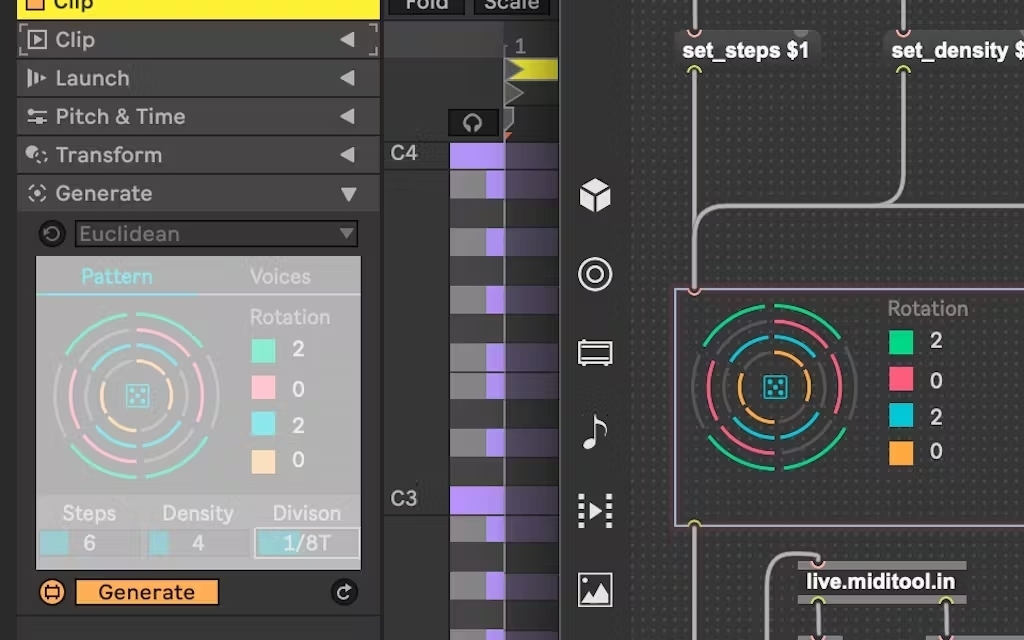
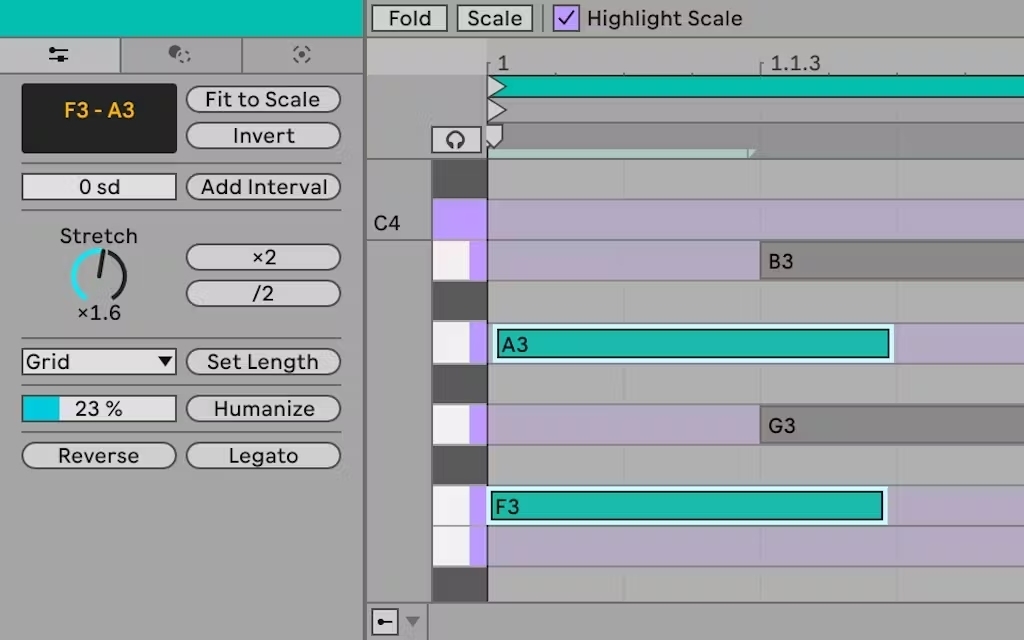
保持專注:在排列視圖中使用 Live 的混音器,以獲得更多信息和控制,而無需切換到會話視圖。 查看所需一目了然:堆疊 Live 的 Clip 和 Device Views,一次查看您曲目中正在進行的事情,無需反覆切換視圖。 標籤搜索:使用 Live 的新標籤系統發現新的聲音,更輕鬆地找到它們。所有工廠音頻內容現在都在瀏覽器中標有標籤,方便您查找。 音色相似搜索:使用 Live 的新聲音相似性搜索找到與您正在創作的聲音具有相似特徵的聲音。 即時替換鼓聲:快速更換 Drum Rack 中的所有樣本,嘗試新的打擊紋理。
Live 12 Intro Essentials – 16 tracks and 5+ GB of sounds
16 audio and MIDI tracks
16 scenes
2 send and return tracks
16 mono audio input channels
16 mono audio output channels
Unique Session View for quick, intuitive composition, flexible performance and improvisation
Nondestructive editing with unlimited undo
Multitrack recording up to 32-bit/192 kHz
Powerful MIDI sequencing of software and hardware instruments
Advanced warping and real-time time-stretching
Unlimited Instruments, Audio effects and MIDI effects per project
Group tracks
VST2, VST3 and Audio Unit v2 and v3 support
Time signature changes
Comping
Multiple automation lanes
MIDI Polyphonic Expression
Track Freeze
Capture MIDI
Tempo Following
Note Chance
Note Compatibility
Complex warp modes
Note and Velocity Chance
Groove Pool and extract groove
Video import/export
Updated for Live 12
Live Core Library
New in Live 12
Tuning Systems
Keys and Scales
Screen Reader Support
Sound Similarity / Browsing
User Tagging
Custom Browser Labels
Browsing History
Factory tags
Live 12.4 —— 所有 Live 12 用戶均可免費升級
Link Audio
Live 12.4 新增了 Link Audio 功能,讓你與夥伴能夠透過區域網路,在支援 Link Audio 的裝置之間即時串流音訊。其他樂手或裝置傳送過來的聲音,會直接出現在 Live 的 Input 選單中;這意味著你完全不需要額外的硬體介面、導線或手動補償延遲,就能直接監聽並錄製外部裝置與 App 的音訊。
關於 Link Audio 如何在 Push、Move 及 Note 上運作,請參閱下方詳細說明。
Updated devices
Erosion:Live 經典的訊號破壞效果器 Erosion,現已首次登陸 Move 與 Note。同時,它在 Live 與 Push 上也迎來了全新升級,不僅新增即時頻譜視覺化,還能順暢地在正弦波與雜訊調變之間、以及單聲道與立體聲雜訊之間進行融合切換。(本次 Erosion 的更新是以全新 Device 的形式呈現。而舊版效果器已重新命名為 Erosion Legacy,在舊有的 Live Set 中仍可繼續使用。)